Logic puzzles for iPhone and iPad
Three daily discoveries.
One quiet garden.
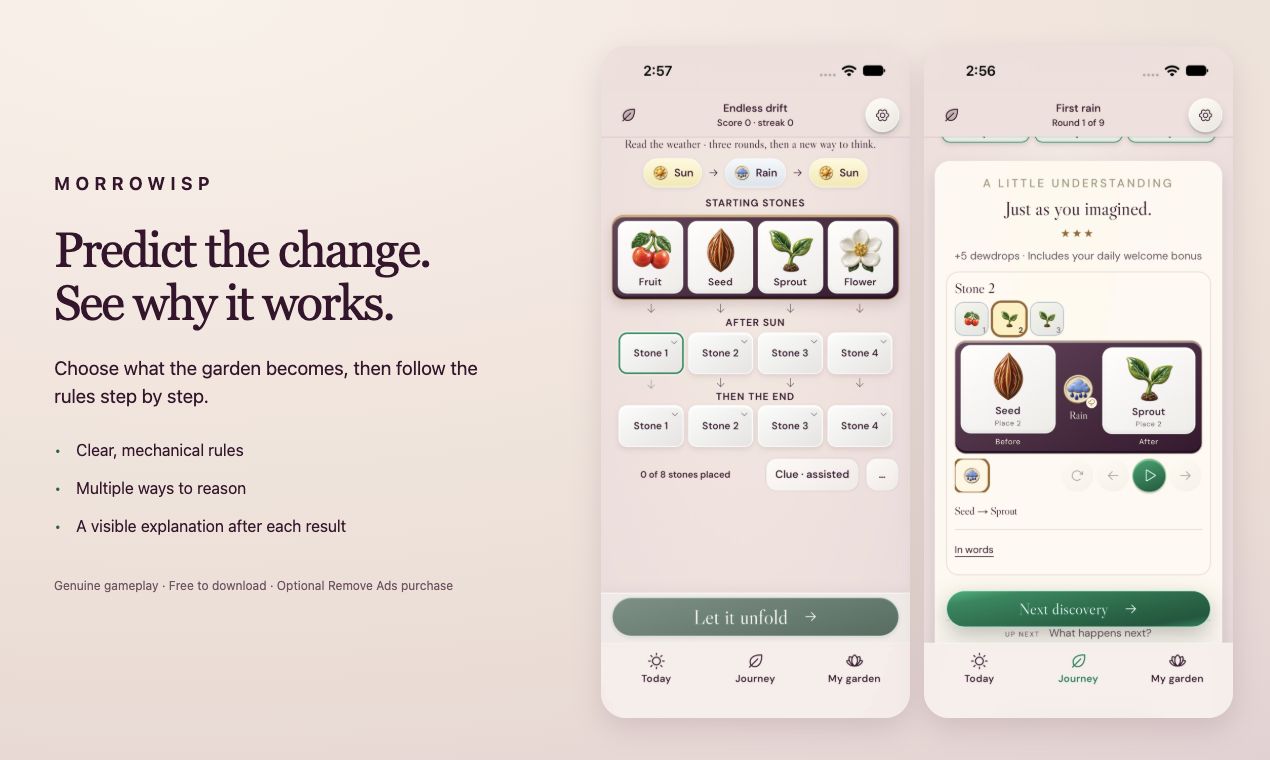
Predict how weather changes ceramic stones, find missing actions, and watch the rules unfold step by step. Explore six free chapters and arrange a garden with pieces earned through play.
View Morrowisp on the App StoreFree to download. Some modes include between-round ads; daily and archive puzzles are ad-free. One optional purchase removes ads permanently.
Instructions and written help support English, Spanish and Simplified Chinese. Puzzle labels and other interface text remain English.
Morrowisp support
A helping hand
for your garden.
Questions about a puzzle, saved progress, or an ad-free purchase? Get in touch, or find a first step below.
Contact
Let’s work it out.
Email a short description of what happened, your device model, iOS version, and Morrowisp version. A screenshot can help. Please leave out passwords, payment details, and anything private.
Email Morrowisp supportKeep your progress safe
Your garden normally lives on this device. In Settings → About and garden backups, you can copy a saved garden before changing devices, clearing browser data, or deleting the app. Keep that copy somewhere you trust.
On supported iPhones and iPads, Settings → Keep your garden safe offers an optional, manual iCloud snapshot. Enable it and choose Back up now. It does not automatically synchronize play between devices.
If progress looks wrong, avoid resetting or deleting the app before contacting support. Restore previous draft lets you review a backup; your current garden becomes the recovery copy when you restore.
Purchases and ad choices
Remove Ads is a one-time Apple purchase in the iOS app. If it is missing on a device, check that you use the Apple account that made the purchase, then choose Restore purchases in Morrowisp Settings. Purchase handling and billing belong to Apple; support does not need your payment details.
Where Google makes privacy options available, Ad privacy choices appears in Settings. The privacy policy explains the advertising services and their data practices. The web preview does not take payments or show real ads.
A puzzle or control feels unclear?
Use Rules to check the actions, and the replay after a result to follow the simulation. Clues mark the round as assisted. For a problem report, include the chapter and round or daily date, what you tried, and what you expected.
Settings also offers reading size, animation, sound, and haptic preferences. Device Reduce Motion takes priority over app animation preferences.
For privacy questions or a request about information you have sent to support, use the email above. A garden or play-data export is only sent if you choose a destination and send it; support cannot automatically look inside your local garden.